Requirements
Windows
- Windows 11, 10
- 64-bit or 32-bit
macOS
- macOS 11 or higher
- Apple Silicon or Intel processor
Below you will find the current versions of the software. After downloading runs as a trial for 3 days, with all features fully available during the trial period. Once the trial period expires, a license must be purchased from our store to continue using the software.
In special cases, if you did not manage to use the trial in time, you can email support@aiaudiosoft.com to request a trial extension.
The licenses are perpetual licenses with free upgrades until the release of the next major version.
You can use the code 10%OFF at the store for a 10% starter discount.
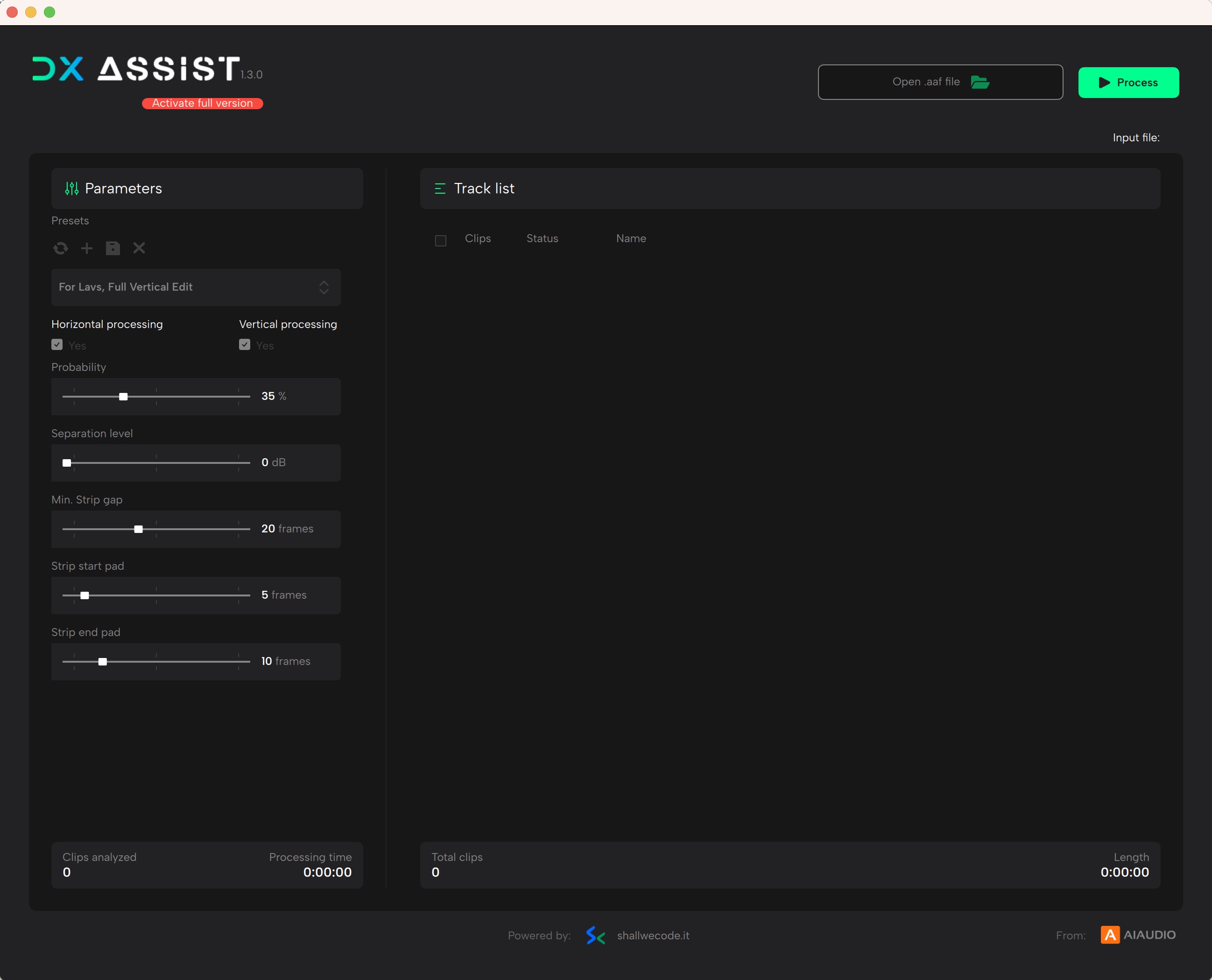


No, it is not the same. DX Assist works by analyzing the content of human speech, not just the signal level. Additionally, each clip is analyzed individually rather than globally.
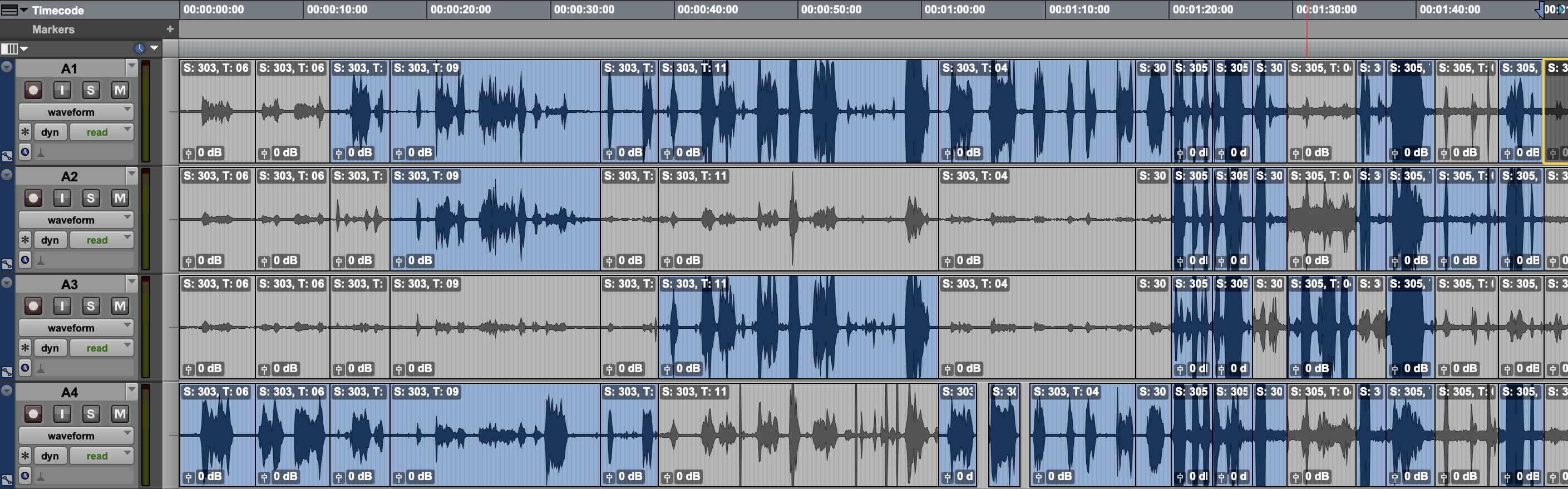
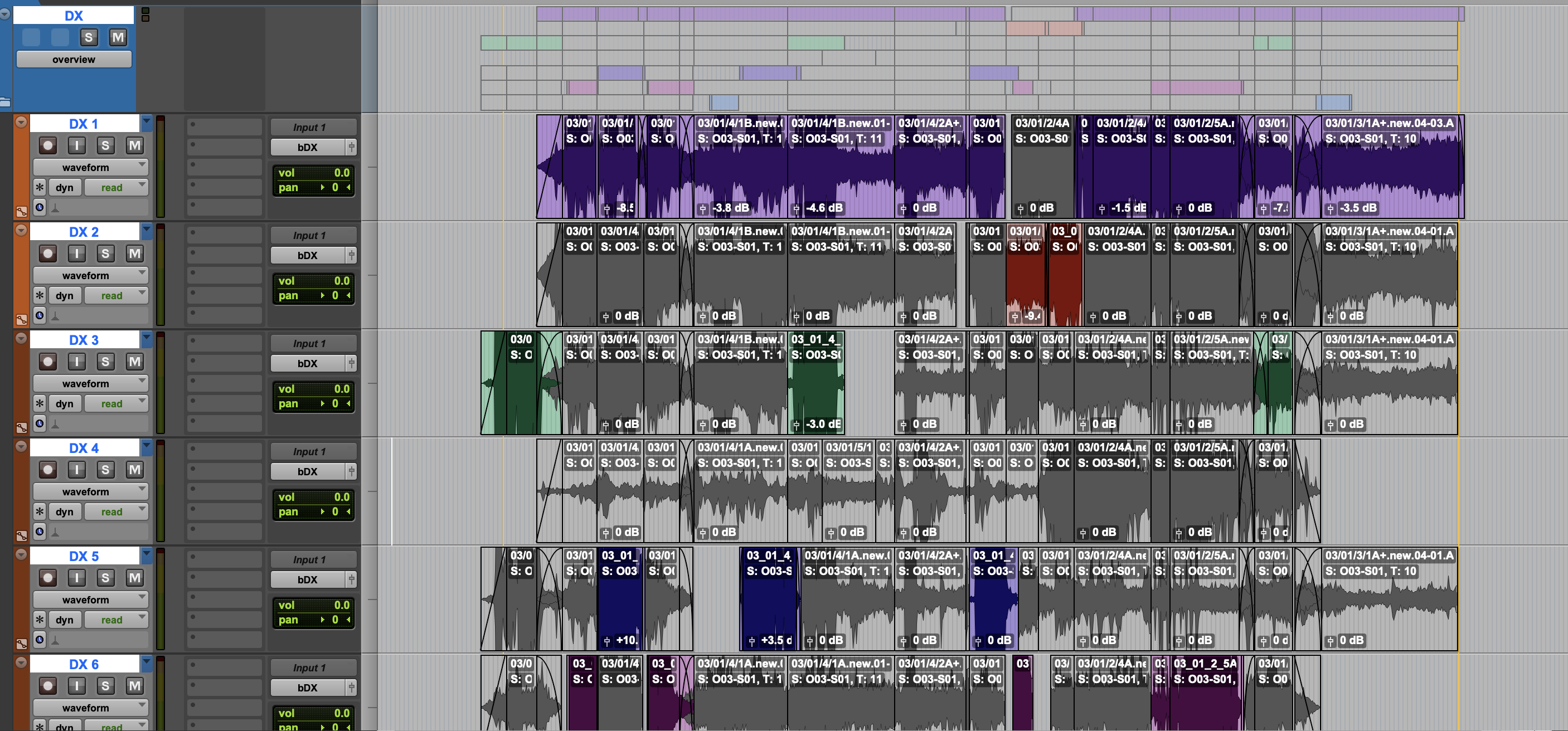
DX Assist analyzes the audio contained in an AAF file and removes everything that is not human speech. We mainly use it to eliminate unnecessary sounds from microphone tracks — in places where we don’t want to include noise, background sounds, or other disturbances — so that unwanted artifacts do not accumulate.Additionally, with vertical processing, we are able to select the best available signal source.
The program analyzes the material that remains in the “vertical” domain — meaning the actual dialogue on the primary microphone, as well as the bleed on the other tracks — and selects the best available option.
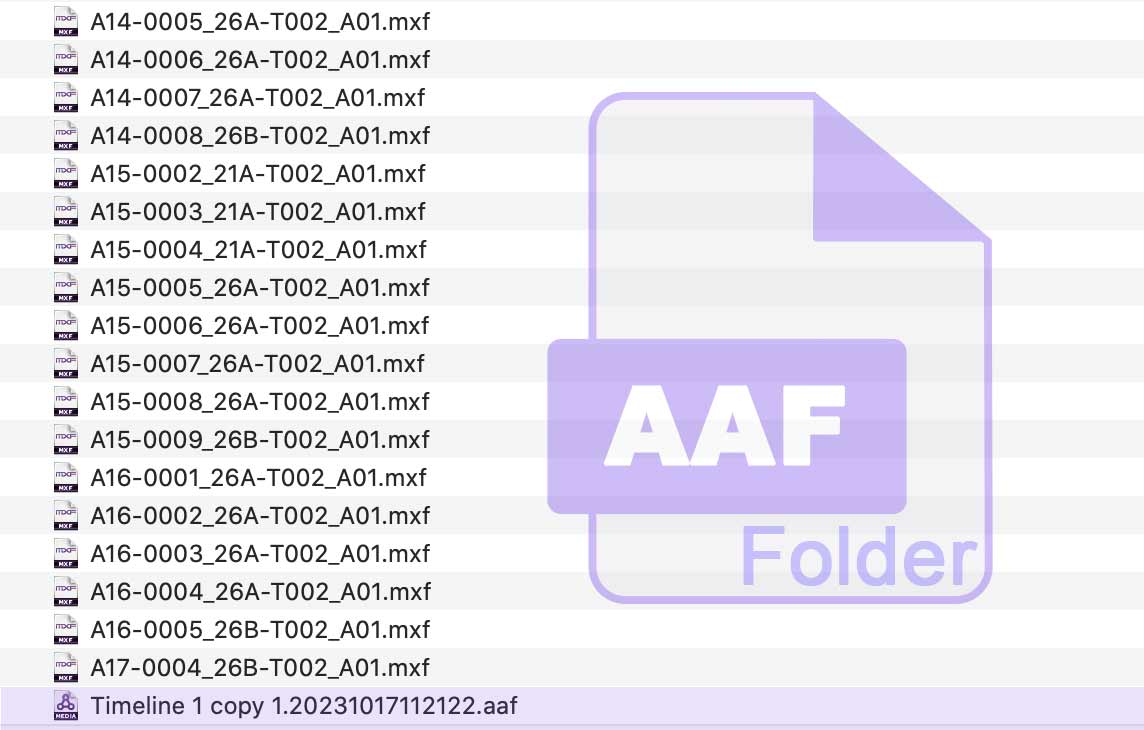
The best approach is to export an AAF with embedded WAV files from Pro Tools or another DAW, making sure the “Quantize Edits to Frames” option is enabled. Then load the prepared AAF into DX Assist.If you are working with dialogue assembly from a recorder, please watch our workflow video to see how to do it properly.