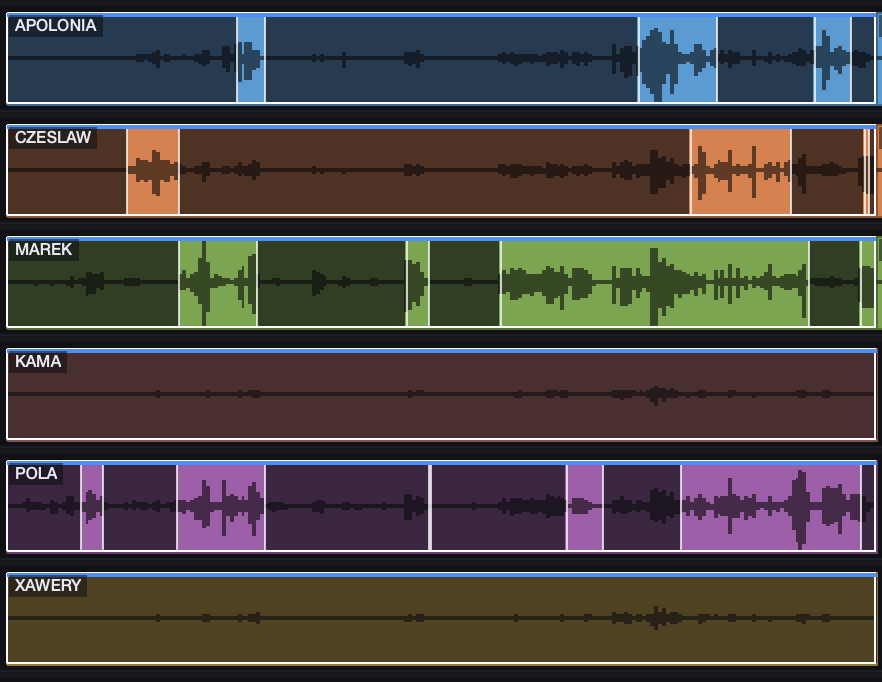
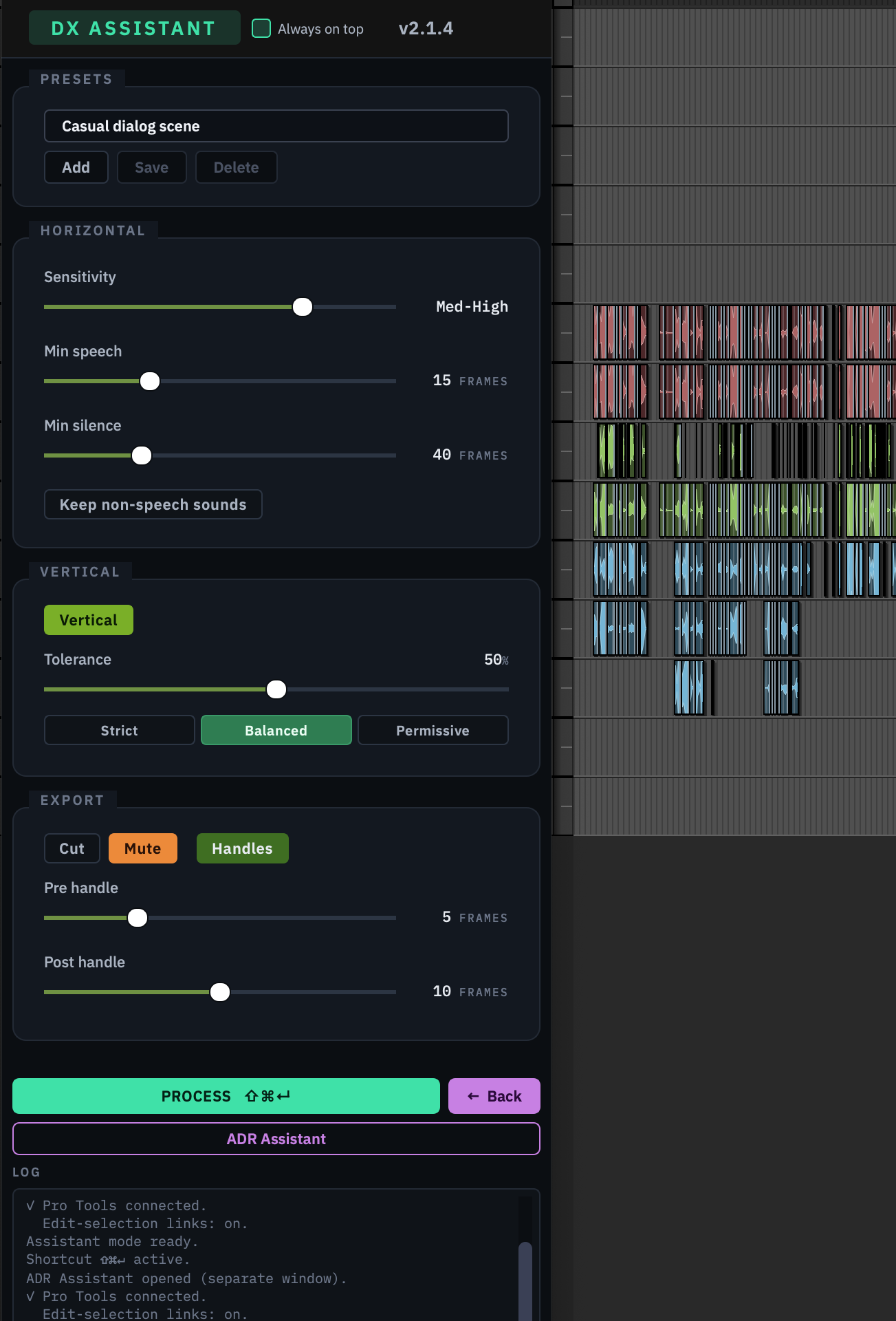
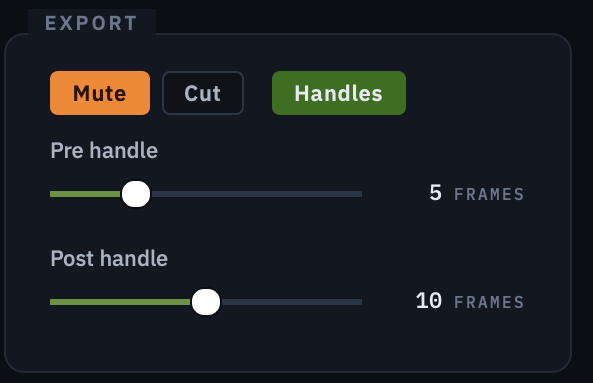
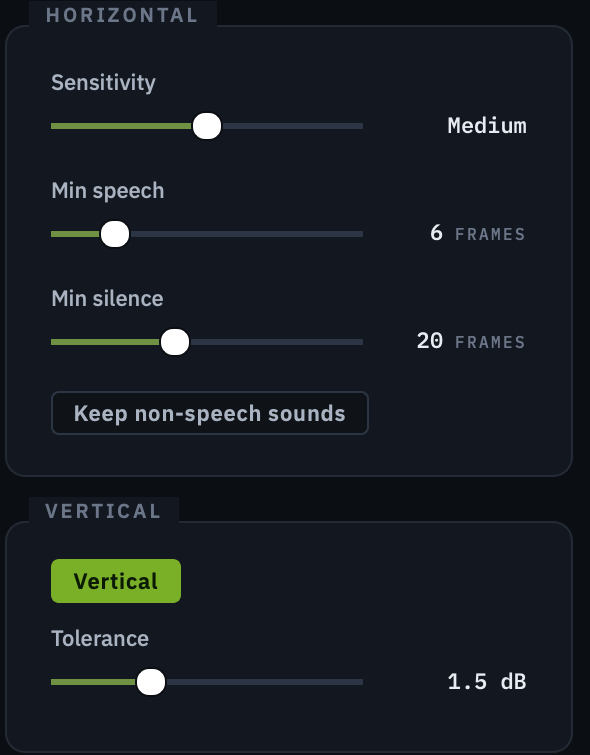
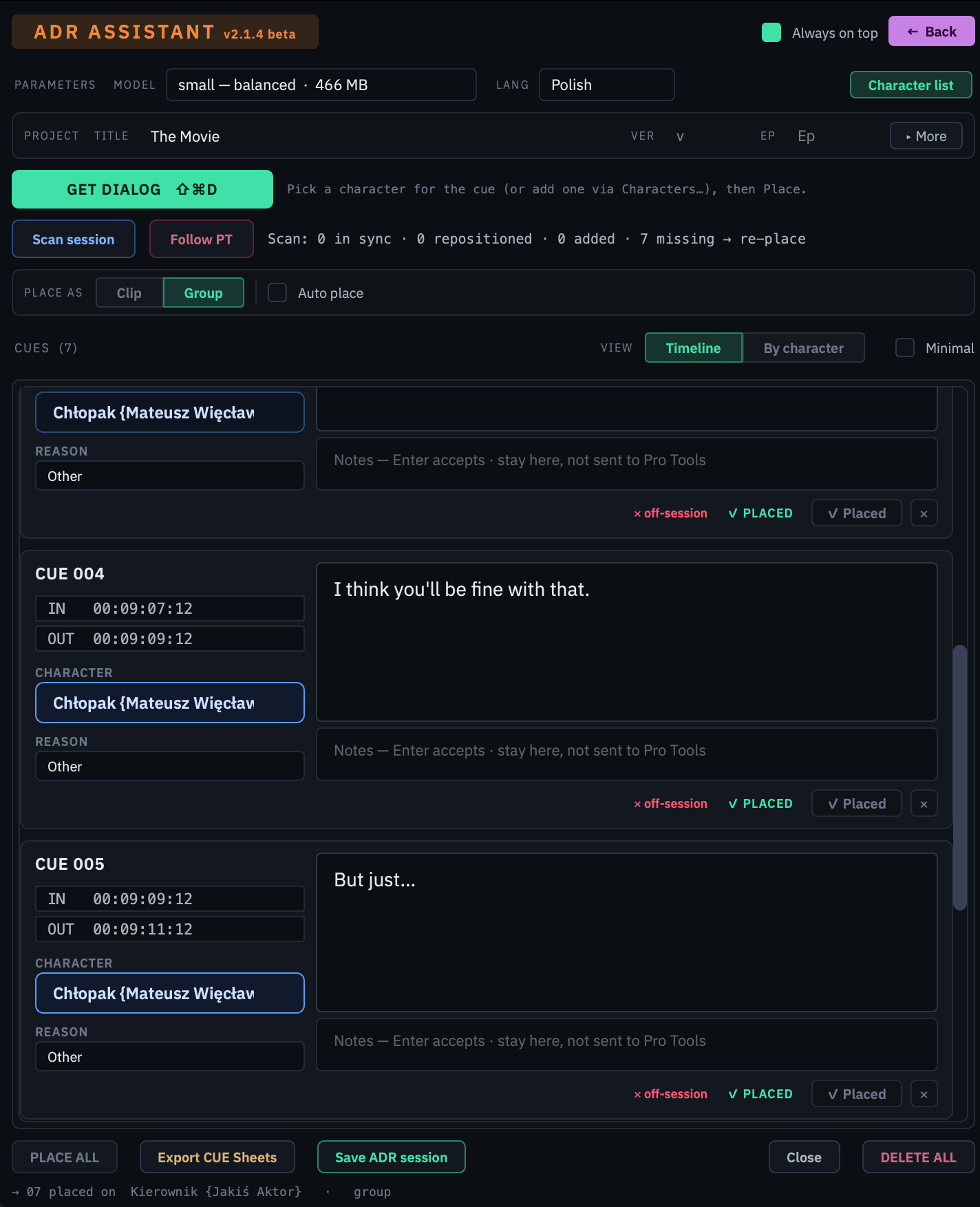
It works directly with Pro Tools .ptx session files, so it fits your assembly workflow or any other pipeline you prefer. The ideal flow: after assembly (or after importing an AAF), export a session that contains only the dialogue tracks, then open that file in DX Assist. You preview the whole session on a built-in timeline, process it, and save a new session — your original is never touched.
1. Export a new session — the fastest route.
Open your.ptxin DX Assist, process the whole timeline or just selected clips, then Save As a new.ptx. Open that file back in Pro Tools and you're done. It's the quickest, most self-contained path — nothing is written to a live session.
2. Apply the changes straight back to Pro Tools.
Open your .ptx in DX Assist and compute your clips or the whole timeline as usual — but instead of exporting, push the edits directly onto the Pro Tools timeline, with no file export in between. This flow also includes PFX extraction, pulling production effects onto their own tracks.
3. DX Assistant — work entirely inside Pro Tools.
No need to open a session in DX Assist at all. Shrink DX Assist to a compact toolbar, select the clips on your Pro Tools timeline, and run the processing right there with a single shortcut — DX Assist reads your selection and applies the result back in place.
You decide what gets processed: select individual tracks or clips, or run the whole timeline.
.ptx support — open, preview, process, and save Pro Tools sessions.
Requirements
macOS
- macOS 13 Ventura or newer
- Apple Silicon or Intel processor
- 8 GB RAM minimum (16 GB recommended)
- min 2 GB disk space